


If you have invested in Blue World City, you already know how important timely payments are. Missing an installment can create problems. So, the management has made it easy for you. They provide the Blue World City bank challan form to help you pay directly through your bank. It is quick, safe, and straightforward.
Many investors feel confused when they try to download this form for the first time. But the process is very simple. In this guide, learn how to download the Blue World City bank challan form the right way. Simple steps, correct payment, zero mistakes. This guide will walk you through everything clearly.
What Is the Blue World City Bank Challan Form?
The Blue World City bank challan form is an official payment document. Investors use it to deposit their installments, down payments, or other dues. They pay these directly into Blue World City’s designated bank accounts.
However, it is not just a regular deposit slip. It is a structured form. It records your file number, plot category, payment purpose, and personal details. This way, Blue World City links your payment directly to the correct account and processes it without any delays.
Invest in Blue World City now. Read our guide on the best block for residential investment before you finalize anything.
Why Does Blue World City Use a Challan System?
Blue World City manages thousands of investor accounts across Pakistan. It is a joint venture. On top of that, it is between the Blue Group of Companies and the Shan Jian Municipal Engineering Company. Together, they manage thousands of investor accounts. So, they need a proper payment system to keep everything organized.
The challan form brings order to that system. It reduces human error. Thus, Nothing slips through the cracks. It also creates a clear paper trail. Both the investor and management keep records. Plus, Blue World City traces and records every payment made through this form. As a result, your money stays protected at all times.
What You Need Before You Download the Form
Before you download the Blue World City bank challan form, you need a few things ready. A little preparation goes a long way here. Keep the following items handy before you open the website.
Important Documents to Keep Ready
Here is what investors need before they start:
- CNIC number: The form needs this to verify your identity.
- File or registration number: Blue World City provided this to you at the time of booking. Find it before you start.
- Plot category and size: It could be any size. Like 5 Marla to 1 Kanal. Make sure you know yours.
- Exact payment amount: Figure out what you are paying for. Is it a down payment, an installment, or a development charge?
- Contact number and email: Keep them handy. Some parts of the form will ask for these.
Also, learn about the Blue World City APR form. It is one of those things nobody warns you about. Check the guide so you don’t miss it.
How to Download the Blue World City Bank Challan Form
Downloading the form takes only a few minutes. You need a working internet connection. You also need access to the official Blue World City website. Follow the steps.
Step 1 – Visit the Official Website
First, open your browser. Then, go to www.blueworldcity.com. It is the only official Website of Blue World City. Do not use any third-party website. Third-party sources put your payment at risk. So, always use the official link.
Also, double-check the URL before you proceed. Blue Group of Companies manages this website. It is the most trusted source for all official forms and documents.
Step 2 – Go to the Online Bank Form Section
Next, look at the main navigation menu at the top of the page. You will find an option called “Online Bank Form”. You can also find a Downloads section. Both options appear in the main menu. Sometimes, they appear in the footer of the homepage.
Click on the relevant option. A new page will open. It will show you all available forms and payment documents. Blue World City updates this section regularly. So, you will always find the latest version of the challan form here.
Having Trouble Opening the Downloads Page?
Clear your browser cache first. Moreover, give the page another try. If it still does not load. Then, open a different browser. After that, try from there. And if Nothing works, do not stress about it. Head over to your nearest Blue World City office in person. They will happily hand you a printed copy of the form right there and then.
Step 3 – Select and Download Your Challan Form
Now, the downloads page shows a list of challan forms. Each one covers a different payment. Just find the one that matches what you are paying for:
- Paying a monthly installment? Select the installment challan.
- Making a down payment? Go for the booking or the down payment challan.
- Paying development charges? Pick the development charges form.
Once you find the right one, click download. It will come to your device as a PDF file. Print it out. Now you are all set to fill it out.
How to Fill Out the Blue World City Bank Challan Form Correctly
Downloading the form is the easy part. But filling it out correctly is what really matters. One small mistake can delay your payment. It can also create confusion in your account. So, take your time and fill every field carefully.
Fields You Must Fill With Care
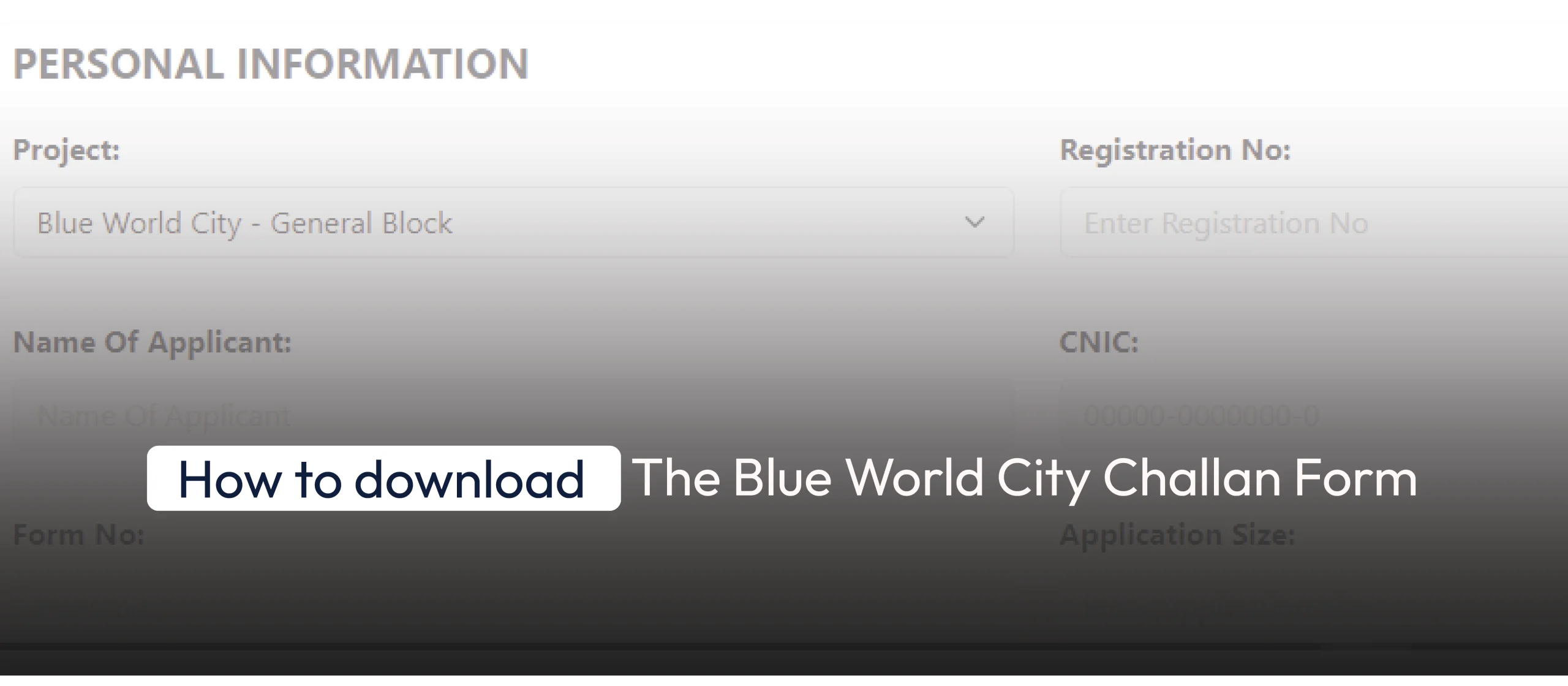
It is the most important section. So put your information correctly here:
- Applicant Name: Use your full name. It should match your CNIC word for word.
- CNIC Number: Type all 13 digits in a row. No dashes needed.
- File or Registration Number: You got this number when you booked your plot. Write it exactly as it is.
- Plot Size and Category: Clearly specify your plot size and block.
- Payment Amount: Fill in the amount twice. Also, once in numbers and once in words.
- Payment Purpose: Be specific here. Write whether it is a down payment, a monthly installment, or a development charge.
- Date: Put the current date. Simple but important.
- Contact Number: Provide a number you actually answer. The bank might need to reach you.
Not sure which block you belong to? Go through the complete Blue World City blocks list before you fill this field to avoid any category errors.
Payment Options Available
Blue World City offers multiple payment options. You can choose any of the following:
- Bank draft or pay order: Make it in favor of “Blue World City Coll AC” with Account # BWCTY.
- Cash deposit: Pay directly at the bank counter using the challan.
- United Bank Limited (UBL): Use MCA Account No. 1491-237877491.
- Meezan Bank Limited: Use COLL AC NO. BWCTY.
Before you deposit, always match the bank name and account number. This one step protects your payment from going to the wrong account.
How to Submit the Challan Form
Once you fill out the form, you can submit it. Take it to the bank along with your payment. Follow the steps below.
Approved Banks for Blue World City Payments
Blue World City works with specific partner banks. You must visit one of these approved branches:
- United Bank Limited (UBL): UBL branches are available all across Pakistan. Use this bank for MCA account payments.
- Meezan Bank Limited: Meezan Bank operates in most major cities. Use this bank for COLL AC payments.
Visit your nearest branch. Hand over your filled challan form. Also, bring your cash, pay order, or bank draft. The bank teller will stamp your copy of the challan. This stamp is your proof of payment. Keep this copy safe. Do not lose it.
How to Submit the Form Online
Blue World City also runs an online payment portal. It is very helpful for people who cannot visit a bank. You can access it at blueworldcity.com/onlinepayment. This option works especially well for overseas Pakistanis. It also helps investors with busy schedules. To pay online, visit the portal. Then enter your registration details. The portal accepts direct bank transfers. It is fully secure. So, you can pay from anywhere in the world with confidence.
Living abroad does not mean missing out on the best investment opportunities. Overseas Pakistanis can buy a plot in Blue World City through a simple process.
Common Mistakes People Make With the Challan Form
Even the most experienced investors have made these mistakes at least once. That does not make them any less costly. Knowing what to look out for beforehand saves you a lot of trouble later. So go through these quickly before you put pen to paper.
Tips to Avoid Errors
- Download a fresh form from the official website.
- Do not write the wrong plot size or category. That will send your payment to the wrong account.
- Do not skip the bank stamp. An unstamped challan does not work as proof of payment.
- Always double-check the account number before you deposit any money.
- Keep more than one copy of the stamped challan. Store one at home. Keep another in your files.
- Never deposit through an unofficial dealer’s account unless you hold a written agreement from Blue World City management.
These small steps protect your investment. They also keep your records clean and accurate.
Facing Issues With Your Blue World City Challan Form? Here Is What to Do
Sometimes the challan form page may not load properly. Or you may have a question about your payment details. Do not panic. Blue World City’s support team is always ready to help you.
How to Contact Blue World City Support
The Blue World City team is always ready to help. Do not hesitate to reach out through any of these ways:
- Phone: Pick up your phone and call their official number. Someone from the team will guide you right away.
- Official Website: Visit their website and use the contact section to submit your query.
- File Status Check: Go to the file status page on their official website. Enter your tracking number, and your file details will appear instantly.
What Happens After You Submit the Challan Form
The bank teller stamps your copy of the challan once your payment goes through. That stamp is everything. It is your official proof of payment. Take a photo of it the moment you walk out of the bank. Store the original in a safe place at home. Blue World City will update your file within a few working days. You can track your payment status directly on the official website using your registration number.
Your plot file means nothing if it is not verified. Learning how to check file verification of Blue World City. It will take less than five minutes.
Conclusion
This process looks complicated at first. But once you go through it, you will realize there is Nothing to stress about. Just visit the official website. Then, download the right form. Fill in all the necessary information. It includes your personal information and payment details. Simple as that. Then, deposit it at a UBL or Meezan Bank branch. Always keep your stamped copy as proof. If visiting a bank is not possible, use the online payment portal instead. Follow this guide every time you make a payment. This way, you protect your investment, stay on schedule, and avoid any delays or complications with your Blue World City property.
FAQs
Q1: Where can I download the Blue World City bank challan form?
A: It is simpler than most people think. Just head over to the official Blue World City website. Look for the Online Bank Form or Downloads section in the main menu. Click on it. You will find the form right there.
Q2: Can I pay my Blue World City installment online?
A: Blue World City has an online payment portal on its official website. You can use it to pay your installments from anywhere in the world. It is secure, straightforward, and saves you a trip to the bank. It is a useful option for overseas investors.
Q3: Is it safe to download the challan form from third-party websites?
A: No. Always download the form from the official Blue World City website. Third-party forms are often outdated, and using the wrong form can delay or misroute your payment entirely.